Mesh Network
You and your devices, all in the same network; all the time
The Mecha platform enables a secure mesh network that lets you bring your devices, dev machines and cloud servers together for seamless connectivity and smarter applications.
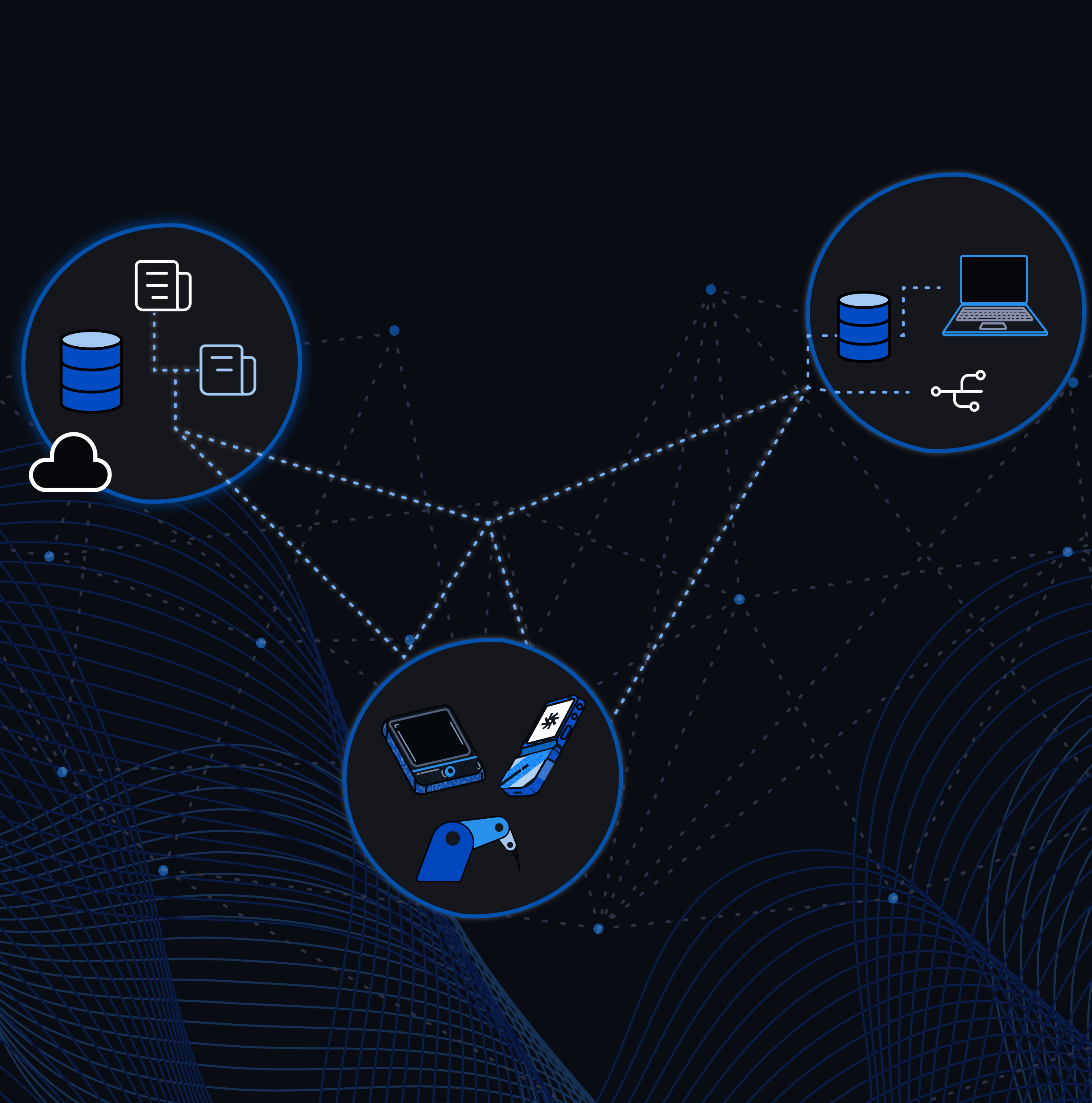
Mesh Networking
How does it work?
The Mecha Mesh Network is a wide overlay network where the nodes mutually authenticate each other based on Noise Protocol Framework.
When you add your device or your hosts to the Mesh Network a unique IP address is assigned in the 10.0.0.0 subnet. Your dev machines and hosts are also leased an IP-address to the same network.
Using a discovery node, your devices and hosts can find each other across different underlying networks and communicate via encrypted tunnels.
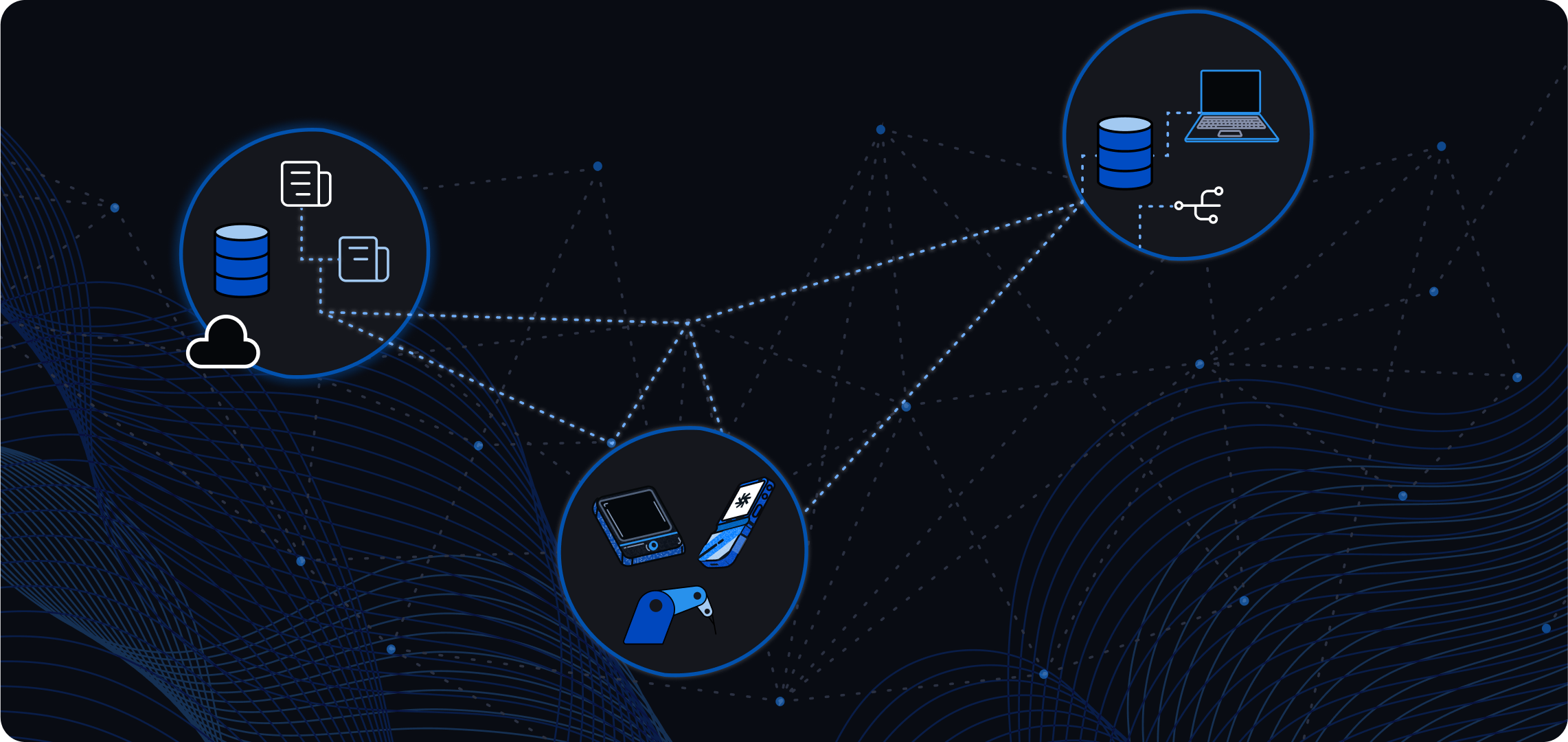
SSH
SSH Quick Start
Enable Networking for your device with the Console or the Developer CLI.
Connect your dev machine to the mecha network
Connect to SSH
and yes,this works from anywhere.🚀
Theres more you can do
Private VPN for your devices
Remote Control
Self-hosted Applications
Hive Computing
Remote Hardware access
CI/CD Deployment automation
Security Model
Mecha Mesh Network focuses on a decentralized architecture to enable more control on access locally on the node itself.
This is enabled by -
- Every node (i.e. device, host) is issued a crypto certificate to identify themselves in the network.
- Nodes validate each others certificates and the CA chain.
- Nodes are configured with their own firewall in the client application, so there is no central control on access.
- Nodes will only accept packets from nodes in their own account, and this control is also configured locally in the client application.
Mecha Mesh is powered byNebula, the open source overlay networking tool built by Slack.